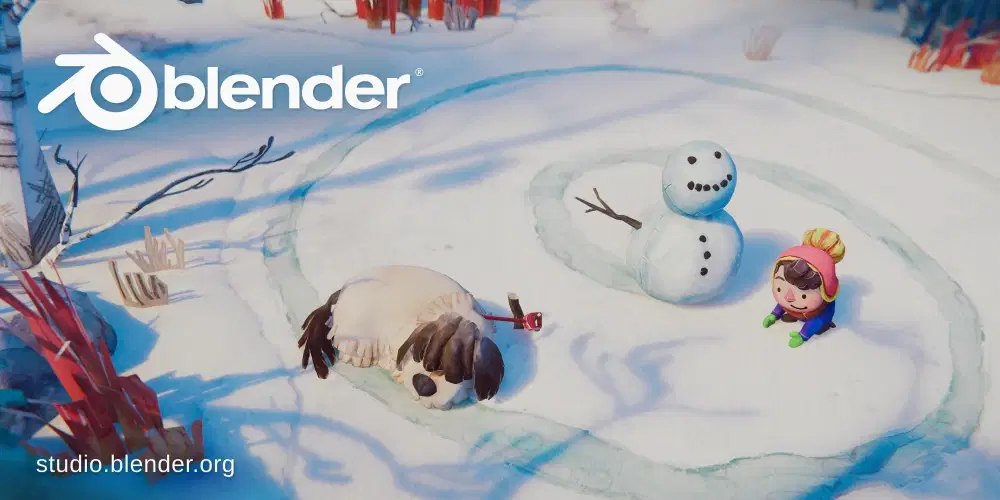
Blender 4.5 LTS: General Overview
July 15, 2025 marks the official debut of Blender 4.5 LTS, a long-term support version that reinforces Blender as an increasingly stable, scalable, and professional tool. Supported until 2027, this release not only brings under-the-hood improvements but also introduces new features, extensive optimizations, and workflow-focused enhancements.
Let’s explore what makes this version so important.
Vulkan: The New Graphics Backbone
Blender 4.5 introduces full support for Vulkan, a modern graphics backend that complements OpenGL and delivers superior performance. Vulkan improves viewport smoothness, speeds up shader compilation, and adds support for technologies such as USD/Hydra, OpenXR, and subdiv.
Although OpenGL remains the default backend for now, the Blender team encourages users to test Vulkan—manually enabled in the Preferences menu—especially when working on complex scenes or high-end hardware.
Geometry Nodes: Toward True Data Management
The Geometry Nodes system has been significantly expanded.
In addition to new functionalities like Set Mesh Normal (for smooth interpolation between meshes without altering topology), Blender now supports importing external formats such as CSV, OBJ, PLY, VDB, STL, and even text files directly into the node tree.
There are also new capabilities for Grease Pencil, with dedicated nodes for depth, color, and line softness, making it even more integrated with the node-based workflow.
Grease Pencil: More Control, Quality, and Flexibility
One of the most anticipated updates is a new render pass dedicated to Grease Pencil, allowing for more precise control over drawn lines, now filterable by view layer.
Additionally, a new SSAA anti-aliasing mode significantly improves line quality compared to the older SMAA, particularly noticeable in final renders.
Sculpt & Paint: Smarter Tools
Digital sculptors and texture painters will find substantial improvements:
A new "Mask by Color" operator
Smarter undo functionality in Weight and Vertex Paint
A Manifold Boolean mode in Sculpt Mode that is more stable and performant
It’s now also possible to duplicate brush assets, create custom previews, and use random variations of hue, saturation, and value in strokes.
Compositor: Closer to Shader Nodes
The Compositor receives a series of new nodes, such as Vector Mix, Clamp, Blackbody, Image Info, and Image Coordinates, already familiar to users of Shader and Geometry Nodes.
Now you can also see the render resolution directly in the Image Editor when the Viewer Node is active, and use boolean sockets within the Compositor.
Viewport & EEVEE: Performance Meets Visual Quality
Shadow management has been improved, depth buffer artifacts reduced, and large light sources now handled more efficiently.
Startup time has been improved and texture management is more optimized.
EEVEE benefits from a new shadow terminator bias system to eliminate shading artifacts on low-poly meshes.
Rendering (Cycles): More Detail, More Control
Cycles sees enhancements to adaptive subdivision and bump mapping corrections, better preserving details in shadowed areas.
There’s now support for custom cameras via Open Shading Language, and a revamped handling of output image metadata, including pixel density and aspect ratio.
Animation & Rigging: More Customization
Among the most notable additions:
Override visibility for individual bones in the viewport
A new operator to duplicate Shape Keys
Improved grouped selection in Pose Mode
Support for dynamic templates in file paths (e.g. {blend_name}, {resolution_x}), simplifying automation in pipelines
User Interface: Smoother and Smarter
The UI has been refined to enhance everyday usability:
Horizontal scrolling in panels
A new operator to quickly remove all materials from an object
Improved tooltips, now more informative and detailed
New icons for error states, presets, vertical grips, and more
Final Thoughts
This quick overview of Blender 4.5 LTS highlights a release that doesn’t just aim to add flashy features, but to consolidate a stable, professional, and modern environment fit for today’s and tomorrow’s production needs.
It’s a highly recommended version for those seeking reliability without giving up on innovation.
Click here to download Blender 4.5 LTS
Click here to view the full release notes
Click here for the official Blender manual
Latest posts
Free FAB resources - until 20 October 2026
New assets available for free on FAB, available until October 20, 2026

Unreal Engine Animation Studio: The basics of motion in UE 5.8
Unreal Engine Animation Studio: 12 weeks to master UE 5.8 animation tools and bring intention to movement.

MetaHuman Creator Web App: Closing November 5, 2026
Epic Games chiude l’app web di MetaHuman Creator il 5 novembre 2026. Dopo restano 90 giorni per recuperare i personaggi. Le funzionalità restano in Unreal Engine 5.6+. Esporta ora via Quixel Bridge.