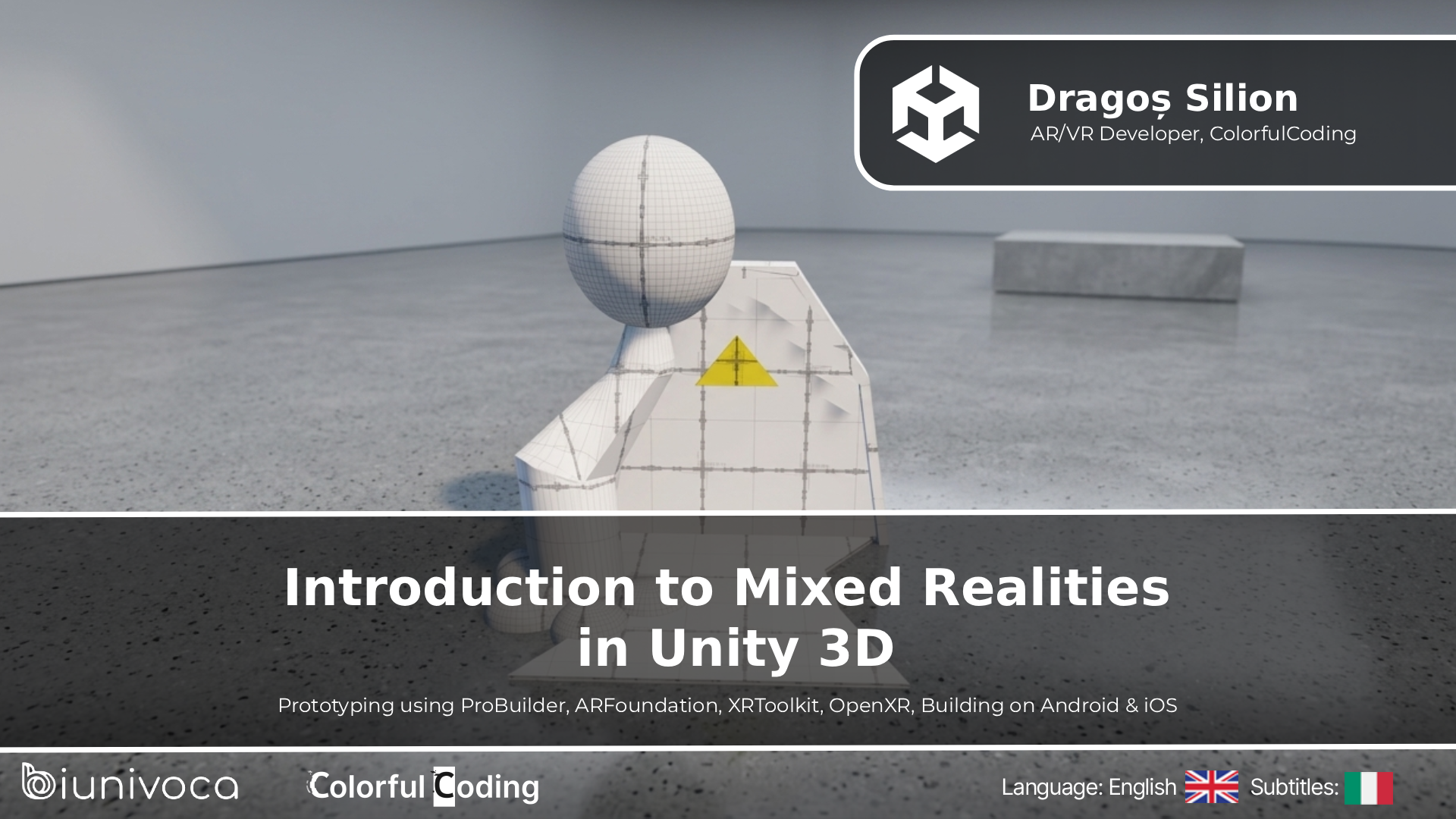
Introduction to Mixed Realities, in Unity 3D
This course has the role of introducing basic elements of both VR elements (for OpenXR-ready headsets like the Meta Quest series) and AR (especially for mobile devices, using ARKit/ARCore) in the context of the Unity 3D game engine.
This is an introductory course so no prior knowledge is needed, although we hope it gives you a valuable overview of the domain, despite prior experience in the industry.
BY FOLLOWING THIS COURSE YOU WILL BE ABLE TO:
Reach a basic understanding of how to approach AR/VR tracking & interactivity, and an in-depth knowledge of XR libraries such as ARFoundation and XRToolkit inside Unity.
ARE THERE ANY REQUIREMENTS OR PREREQUISITES FOR THE COURSE?
Internet Connection, Unity 3D.
We'll try using both in-editor mediums, simulators, and mobile phones, so the course should be useful even if you don't have access to any headset or AR Glasses.
TO WHOM THIS COURSE IS ADDRESSED:
Students, AR/VR enthusiasts, Worldbuilders, Junior Developers, XR educators.
THE PROGRAM
Courses included:
Introduction to Augmented and Virtual Reality
Introduction to Unity’s Interface
Prototyping Our First Scene Using ProBuilder
Getting Started with Augmented Reality Development for Mobile
Augmented Reality Interactions
Testing & Building AR Apps for Mobile
Building Our First VR App for Standalone Headsets
Implementing Basic VR Interactions
Handling VR Locomotion
3D Assets – Where Do We Get Them?
Future Directions
-
01
Introduction: Augmented and Virtual Reality.
Let's start by briefly discussing what Augmented and Virtual Reality are right now, how advanced the capabilities of technology are, and what are the end goals of such technologies.
12m 5sCourse purchase required -
02
Introduction to Unity Interface
A brief introduction on how to download, install, and use Unity, before we jump into actual work.
15m 51sCourse purchase required -
03
Prototyping scenes using ProBuilder
Although easy to forget, prototyping in XR is essential for quickly testing ideas, reducing risks, and identifying usability issues before investing in full development. Why? It enables us to iterate on interactions, visuals, and spatial design early, ensuring the final experience is both functional and immersive.
18m 30sCourse purchase required -
04
Augmented Reality for Mobile Apps using ARFoundation
Augmented Reality can sound tricky at first, but ARFoundation makes it easy and intuitive. Let's see how Unity helps us make our first AR app in an easy, intuitive way.
16m 2sCourse purchase required -
05
Augmented Reality mobile interactivity
Now that we made AR work, let's delve into how we can create simple interactions for mobile applications.
19m 16sCourse purchase required -
06
Testing & Building AR apps on Android & iOS
Deployment can be a headache especially the first time. Here's an end-to-end guide to do so, for both Android and iOS.
8m 46sCourse purchase required -
07
Setting up your first VR app using XRToolkit
Although, pretty simple, setting up your first VR scene, that can run either on PC, or on your device can be counter-intuitive at first. Let's have a look at Unity's mentality to write once and run everywhere, and make the basic setup, so we can continue in the next courses to build VR content for our small app
17m 38sCourse purchase required -
08
Implementing Basic Interactions in VR
A large portion of what XRToolkit can do stands behind the pattern of using Interactable-Interactors components. We'll dive into the basic setup of these, explain the difference between Simple, Grab and Socket Interactables, and also when to use Direct, Ray, Poke and Near-Far Interactors. After understanding the fundamentals, the rest should be pretty easy.
17m 30sCourse purchase required -
09
Handling Locomotion in Virtual Reality
Although locomotion is setup by default in XR Interaction Toolkit, it might make or break your whole experience. So let's dive into it to have a deeper understanding of what decisions we should make.
13m 34sCourse purchase required -
10
How to get better 3D assets
Being technical is not enough in AR/VR, as you need to provide immersive playable prototypes many times, to showcase your work. Let's go through a few of the ways we can fastly acquire the necessary assets for setting up our scenes.
11m 14sCourse purchase required -
11
Future Directions
The course is finally over, but what should you do next?
7m 40sCourse purchase required