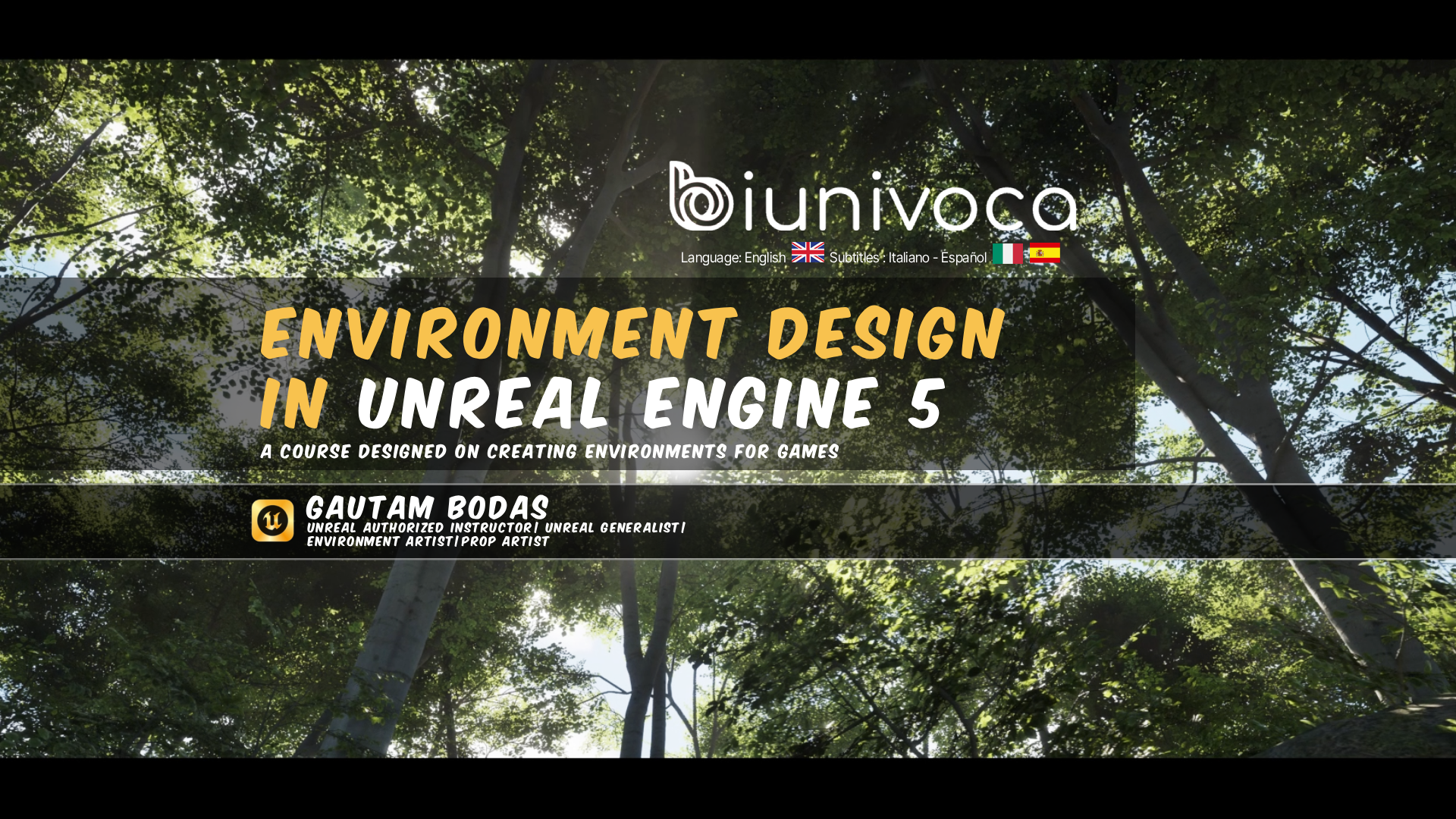
How to create environments using Unreal Engine 5
This is a beginner level lesson on how to create environments using the free tools available inside Unreal Engine 5. This course is designed on the general idea of creating environments for Games, VR/MR and VFX.
BY FOLLOWING THIS COURSE YOU WILL BE ABLE TO:
You will learn how to use the landscape tool, foliage tool, some basic lighting, adding cinematics and taking a finished render from Unreal Engine 5. You will learn how to create a forest and add story telling to make your level more interesting
ARE THERE ANY REQUIREMENTS OR PREREQUISITES FOR THE COURSE?
TO WHOM THIS COURSE IS ADDRESSED:
For anyone who is a beginner and wants to create environments in Unreal Engine 5
THE PROGRAM
The program involves creating visual appealing environments using the tools available inside unreal Engine 5. You learn about the landscape mode which involves landscape sculpting. The foliage mode which is useful to place quick and optimized plants and trees.
You also learn about quick lighting and cinematics techniques to take a high quality render from Unreal Engine 5
-
01
Lesson 01
In this lesson you will learn about the basic interface of Unreal engine 5, creating a new project and adding assets from the Fab store
7m 1sCourse purchase required -
02
Lesson 02
In this lesson you will learn about creating a new level and also how to use the landscape mode to create landscape.
You will also learn about blocking out a level and why it is important.13m 55sCourse purchase required -
03
Lesson 03
Lesson 3 covers adding auto materials to the landscape and using the foliage mode to quickly place trees and plants in the level and how to finish set dressing your scene.
21m 44sCourse purchase required -
04
Lesson 04
In lesson 4 you will learn hot you can tweak the lighting which suits your scene and also controlling the look of your scene using the post process volume.
8m 10sCourse purchase required -
05
Lesson 05
In this last lesson 5 you will learn about optimizing checks and why they are important. You will also learn about adding cameras and cinematics to your scene and also how to take a high quality render at the end.
12m 38sCourse purchase required